Why Is Copied PDF Text Garbled or Out of Order?
By John Wang · Published 2026-08-23 · Updated 2026-08-23
Diagnose broken font mappings, ligatures, positioned glyphs, columns, and OCR layers when PDF text copies as symbols or in the wrong order.
Case file: separate character errors from reading-order errors
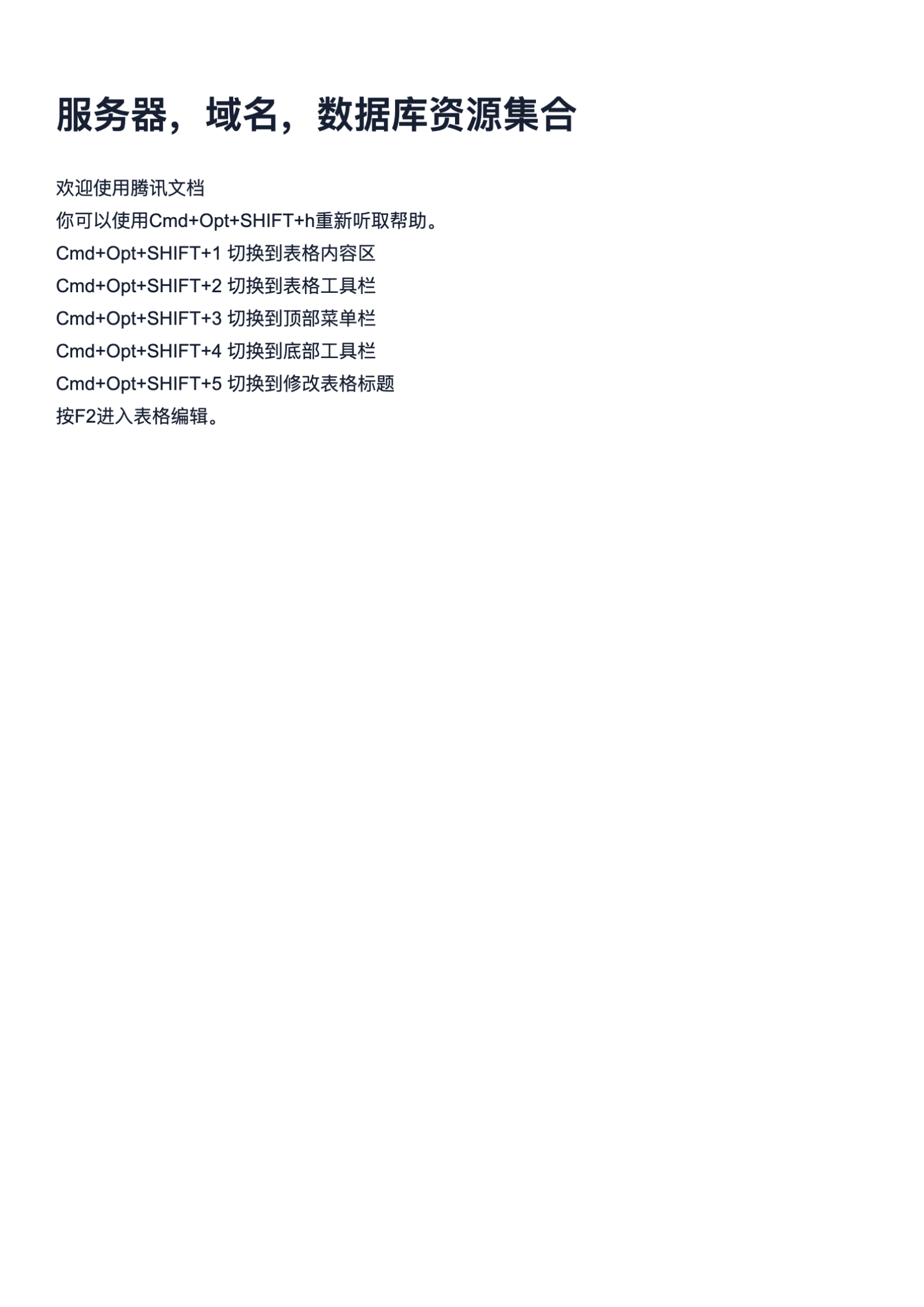
The real one-page PDF is inspected visually, copied through two viewers, and passed to PDF to Text so character mapping, line order, spacing, and page structure can be compared without assuming success.
- The source is a 1-page A4 PDF.
- The original file is 4,145,961 bytes (about 3.95 MB).
- The source remains unchanged while extracted text is treated as a derivative requiring verification.
PDF appearance and text meaning are separate layers
A PDF viewer can draw the correct-looking glyph for each internal character code even when the file lacks a reliable mapping from those codes to Unicode. Copy and paste then produces symbols, replacement characters, or entirely different letters. Subset fonts, custom encodings, missing ToUnicode maps, ligatures such as fi, and text represented as vector outlines can all affect extraction. If the page is a scan, visible letters may be pixels and any copyable content comes from a separate OCR layer whose recognition errors can differ from the image.
Wrong order has a different cause. PDF text is often stored as independently positioned fragments rather than paragraphs, columns, table cells, or a semantic reading sequence. A generator may write all left-column lines, then all right-column lines; place headers and footers between body fragments; or draw each glyph in paint order. The viewer reconstructs the intended page visually, while copy and paste must guess a sequence. Diagnose characters and order separately: gibberish within individual words points to mapping, while correct words arranged strangely point to layout or tagging.
Use a four-test diagnosis before converting
Open the real PDF in two viewers and copy one simple line, one punctuation-heavy line, and any multi-line block into a plain-text editor. Search the PDF for a distinctive visible phrase. Then run PDF to Text on a working copy and compare its output with manual copy and paste. If both viewers and extraction produce the same wrong characters, the file’s mappings are likely the limiting factor. If one viewer works and another fails, their reconstruction engines differ. If characters are correct but sequence changes, focus on columns, tables, headers, and reading order.
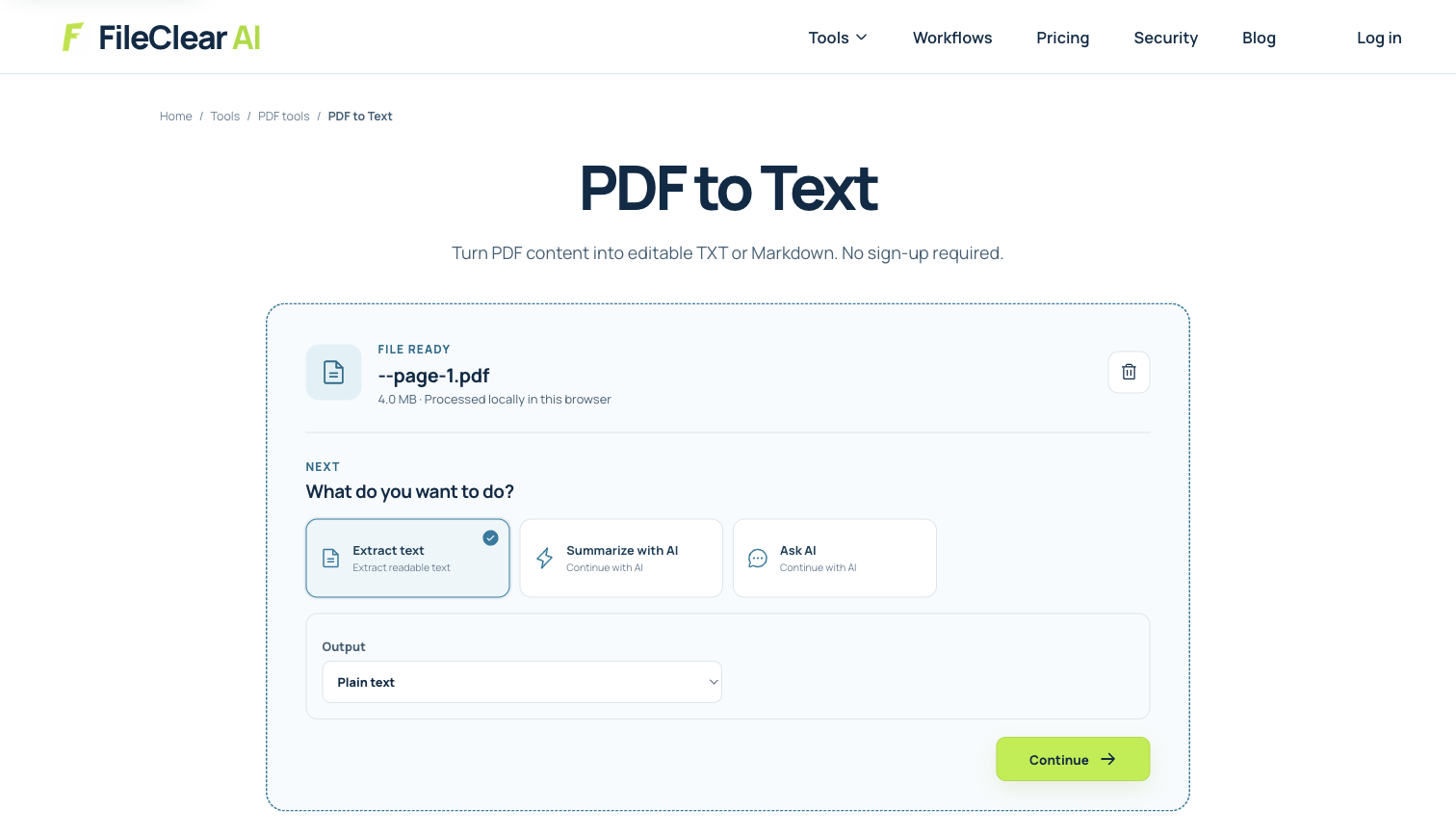
The settings screenshot documents the real PDF to Text entry point without claiming that the case necessarily exhibits every failure or that extraction produces perfect output. Keep the page image or PDF alongside the text derivative. Select plain text when words are the goal, but use a layout-aware document or table workflow when spatial relationships carry meaning. Do not repeatedly convert the PDF through Word, print drivers, and back to PDF hoping the encoding will repair itself; those steps may introduce new fonts, rasterization, line breaks, or lost annotations without recovering the original semantics.
Choose the least destructive recovery path
When only reading order is wrong, a layout-aware extractor or properly tagged source may preserve characters better than OCR. Ask the document owner for the original Word, spreadsheet, HTML, or accessible PDF because source structure is more reliable than reconstruction from page coordinates. When character mappings are unusable but the visible page is clear, OCR on a separate copy can infer Unicode from the rendered glyphs. Compare OCR output with the existing text layer rather than automatically replacing it; one may handle names or numbers better than the other.
If the PDF is scanned, use OCR directly and set the correct language. If it contains mixed digital and scanned pages, process selectively where possible. For multi-column prose, tables, forms, or footnotes, choose tools that understand layout and keep page references in the output. A tagged PDF may expose a logical reading order through assistive technology even when naive copy order is poor, so accessibility inspection is valuable. Preserve digital signatures and the source file: OCR, retagging, printing, or rewriting produces a modified derivative and can alter signature validity or document evidence.
Verify characters, order, and omissions with a fixed sample
Create a ground-truth sample from the source page: title, first and last sentence, one number, one URL or identifier, punctuation, and any text spanning columns or lists. Compare exact Unicode characters, not just visual similarity. Check whether ligatures became missing letters, hyphens turned into minus signs, spaces appeared inside words, or line endings joined separate fields. Search extracted text for expected phrases and inspect for duplicated headers, omitted footers, and page numbers inserted into sentences.
For the full document, sample each page type and record known exceptions. Never rely on clean prose alone when identifiers, financial figures, legal citations, or multilingual names matter. If a downstream AI summary or search index will consume the text, poor order can create statements that never existed on the page, so review the extracted representation before automation. The result is usable when the required characters and relationships have been validated for the intended purpose and the derivative remains traceable to the original page—not simply when copy and paste returns something readable.
Preserve provenance when corrected text enters another system
Store the extracted or corrected text as a derivative linked to the original filename and page numbers. Record which method produced it, whether OCR replaced a broken character map, and which passages received manual correction. Do not overwrite the PDF or present repaired text as an exact digital original when the recovery involved inference. Provenance lets a reviewer return to the visible page when a search result, summary, contract clause, or numeric field appears inconsistent.
Before sending the text to search, translation, summarization, or document chat, test the fixed ground-truth sample again after every transformation. Encoding changes, spreadsheet imports, and copy through rich-text editors can reintroduce smart quotes, missing symbols, reordered lines, or stripped characters. Keep uncertain text marked for review instead of silently choosing a plausible word. The downstream result is defensible when each important statement can be traced back to a page and the limitations of the recovered reading order remain visible.
Continue this file task
Related guides
Frequently asked questions
- Why does PDF text look correct but paste as random symbols?
- The PDF can draw glyphs using internal font codes without a reliable Unicode mapping. Missing or incorrect character maps, custom encodings, and subset fonts can therefore render correctly but copy incorrectly.
- Why does copied text jump between PDF columns?
- PDF text fragments may be stored in drawing order rather than logical reading order. Without tags or layout inference, copy and paste can interleave columns, headers, footers, and captions.
- Will OCR fix garbled copied text?
- OCR can create alternative Unicode text from the visible page when font mappings are unusable, but it may introduce recognition and reading-order errors. Compare both outputs and verify critical content.
- Why does one PDF viewer copy text correctly and another fail?
- Viewers use different heuristics for character mapping, word spacing, and reading order. The difference is a diagnostic signal; it does not by itself prove which extraction is complete or correct.
Sources and further reading
- Why text extraction is hard — pypdf documentation
- Tagged PDF Best Practice Guide: Syntax — PDF Association
- Extract text from PDFs — Apache PDFBox Cookbook